Document Library 12
Overview
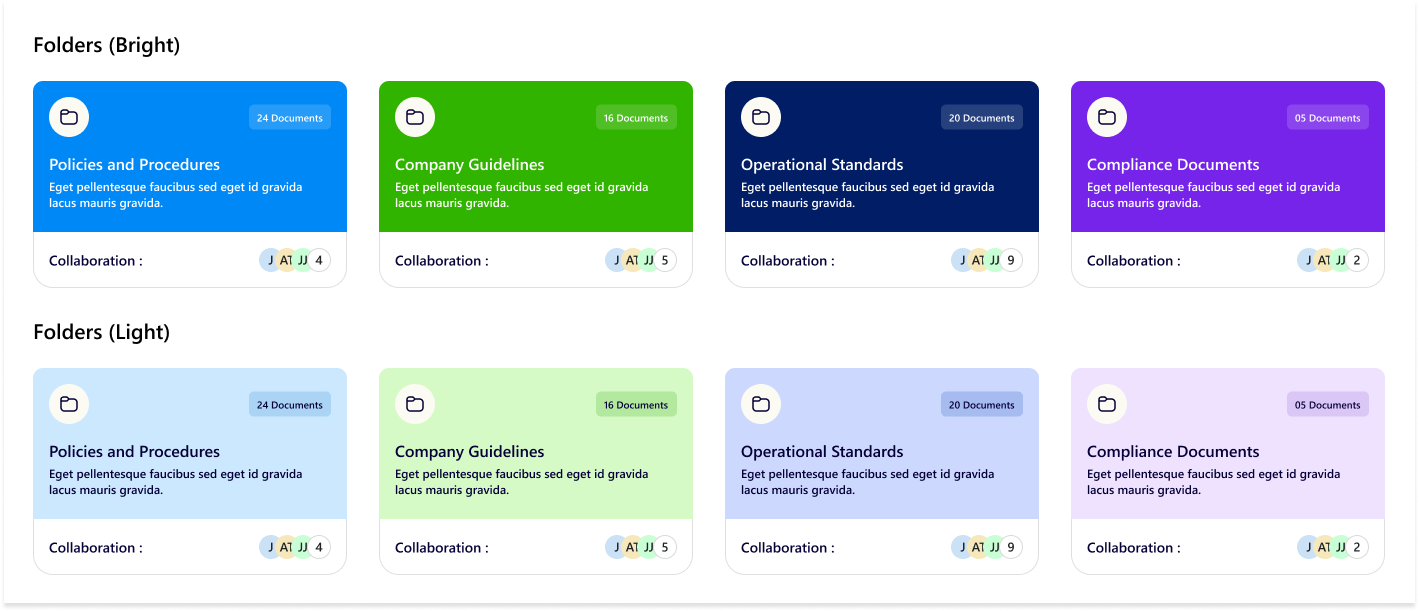
The design showcases folder cards in two themes—Bright and Light—for document organization. Each card displays the folder title, a short description, the number of documents, and collaboration details, providing a clear and visually distinct layout for content management.
Configuration
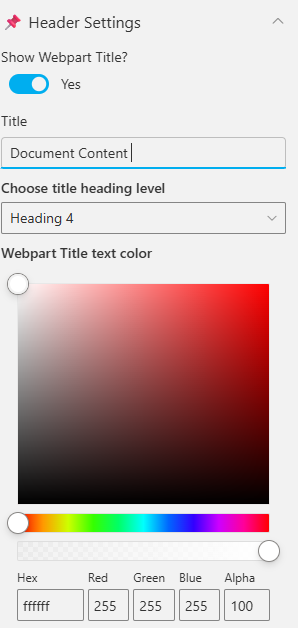
Header settings
📸 View Header Settings Screenshots
| Name | Purpose | Example / Options |
|---|---|---|
| WebPart Title | Specify a title for the Calendar Web Part. | “Calendar 1.1” |
| Choose title heading level | Select the heading level (H1–H6) for the WebPart title. | Heading 3 |
| Hide WebPart Title | Toggle to show or hide the WebPart title. | Show / Hide |
| WebPart Title (Theme-based) | Set a theme-based title color or style for the WebPart. | Color Picker |
General settings
📸 View General Settings Screenshots
| Name | Purpose | Example / Options |
|---|---|---|
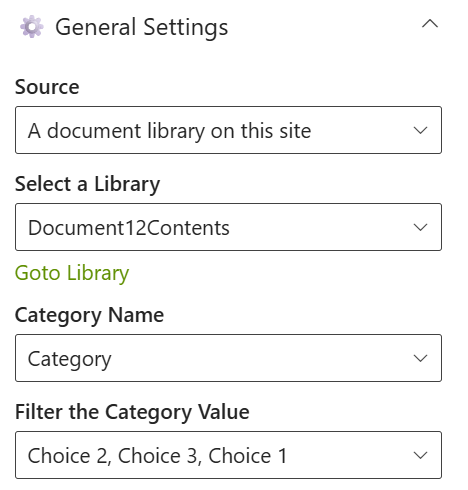
| Source | Select the document source location for the content. | A document library on this site |
| Select a Library | Choose a specific document library from the site. | Document12Contents |
| Goto Library | Quick navigation link to the selected library. | Opens library in SharePoint |
| Category Name | Select the metadata column used for category filtering. | Category |
| Filter the Category Value | Choose one or more category values to filter items. | Choice 1, Choice 2, Choice 3 |
Appearance settings
📸 View Appearance Settings Screenshots
| Name | Purpose | Example / Options |
|---|---|---|
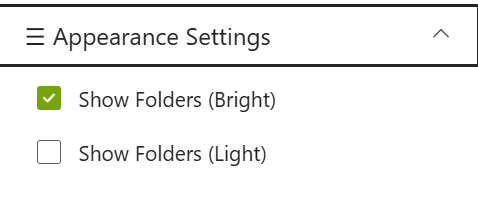
| Show Folders (Bright) | Toggle to display folders in bright theme. | Checked |
| Show Folders (Light) | Toggle to display folders in light theme. | Unchecked |